Auto-Compound
Open the Compound tab and choose Settings beside the Auto-Compound status to enable, disable, or update it.
Auto-Compound estimates a reward threshold from your position size, APR and transaction cost, aiming to improve returns after gas. Under normal fee-funded execution, it waits until rewards meet that threshold and the automation fee can cover gas. This is an estimate based on current inputs, not a guarantee of the best possible return.
A 1.8% fee applies to rewards in the standard automated compound path. The bot normally funds gas from its fee revenue, so you don’t need to send each automated transaction yourself. If you enable prepaid gas, eligible executions can instead charge that balance when normal fee economics are insufficient; strategy fees still apply.
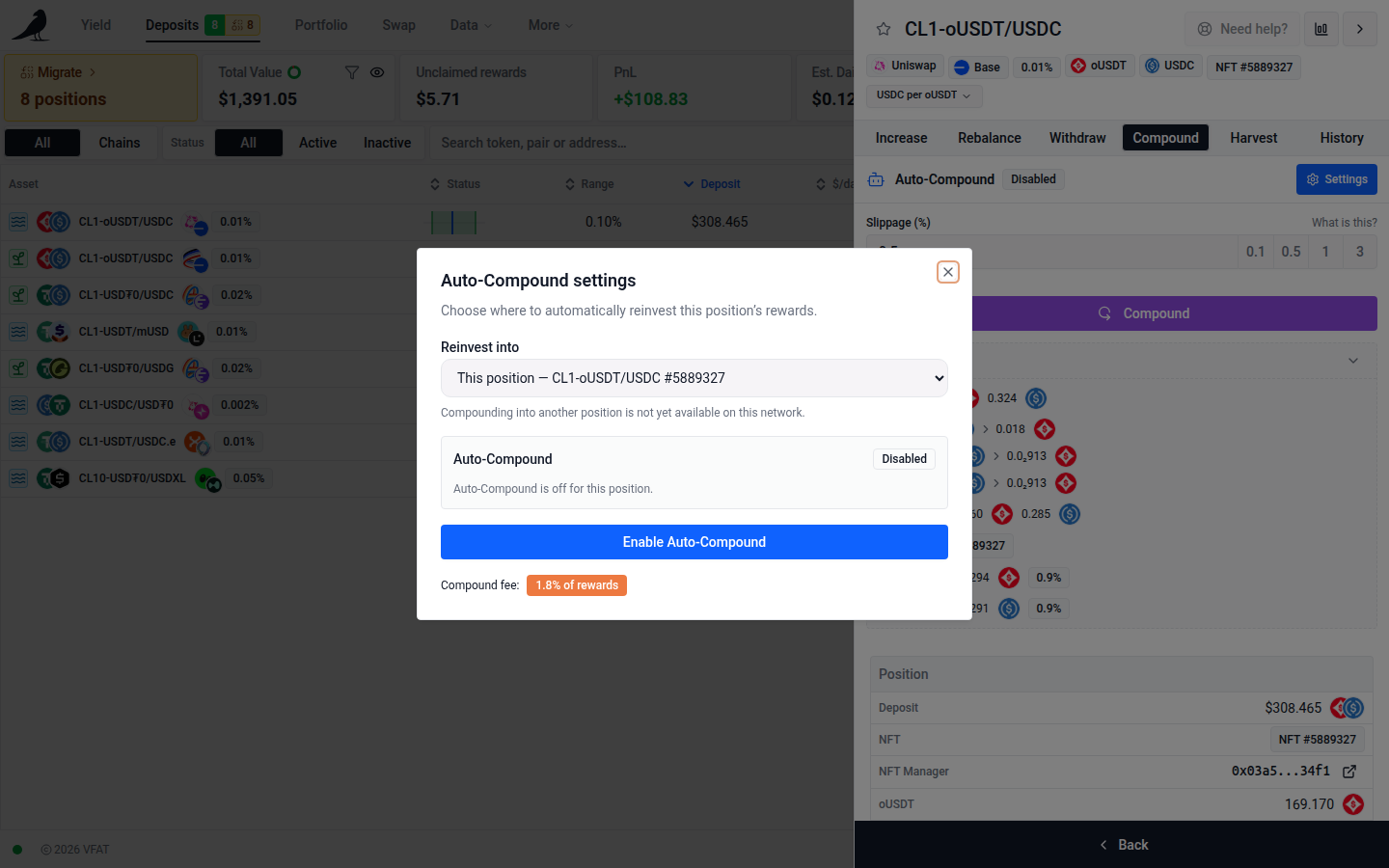
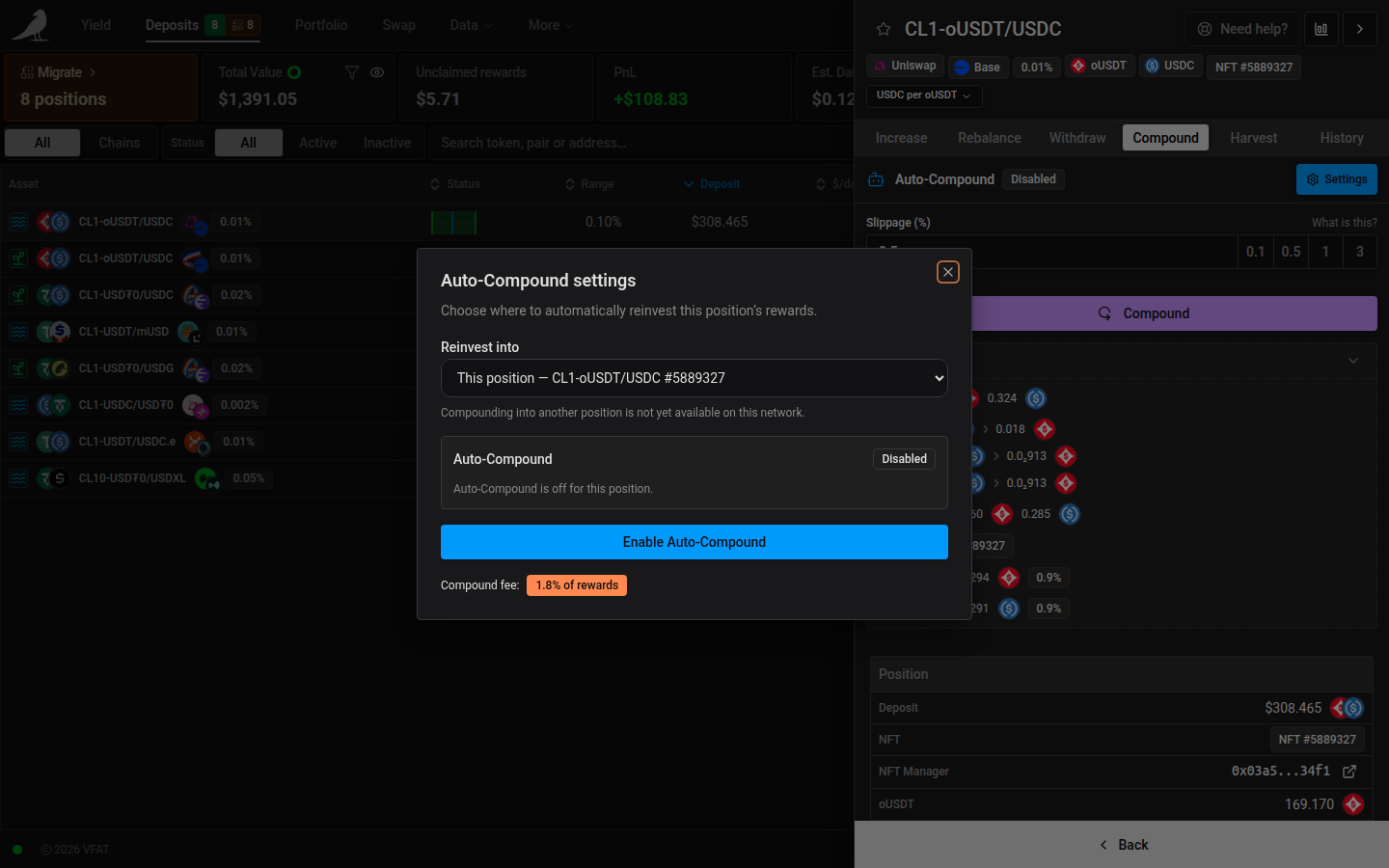
On mobile, these settings open in a bottom drawer.
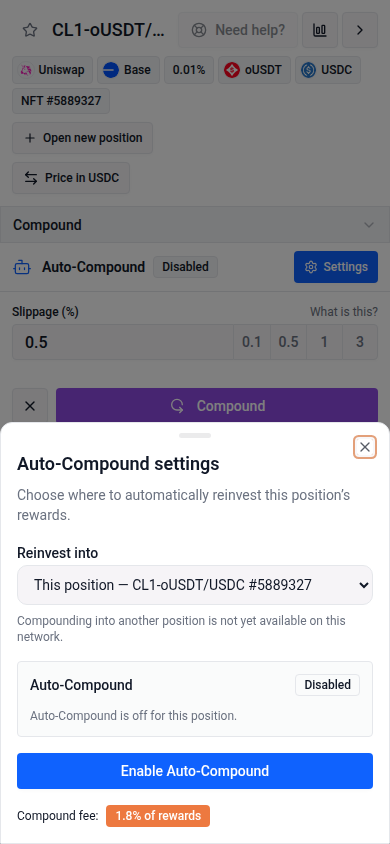
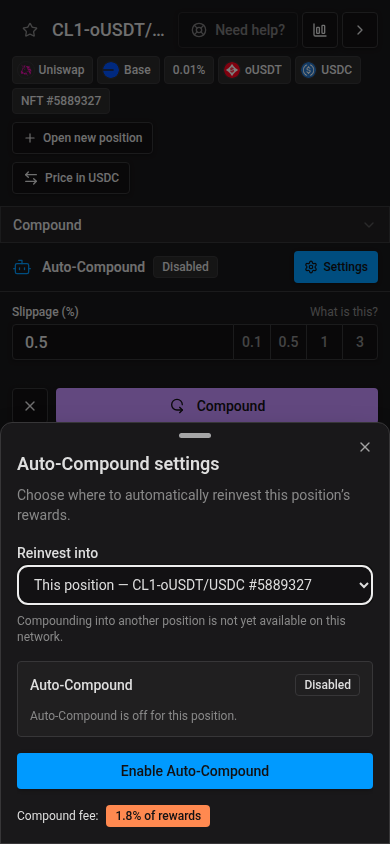
It can be turned on in two places: when opening a new position, or in the Compound tab of any active position.
Auto-Compound is enabled per position. On first use, the app also prompts for any chain-level Automation approval, action permissions or migration the Sickle needs. The required transactions depend on its existing setup.
Position rows show one Auto-Compound icon for their role: compound to self, send rewards to another position, receive from one other position, or receive from multiple positions. Self-compounding uses a loop arrow. On the directional icons, the dot represents the current position and the arrows show reward direction. A receiving position’s own rewards do not count as another source. Hover or focus the icon for its label and, when receiving from multiple positions, the number of other sources. Click a multi-compound icon to open that position’s Compound tab, then Settings to view its destination and sources.
Disable Auto-Compound from the position’s Compound tab. Turning off Automation in Sickle settings stops all automated actions for that Sickle.
Auto-Compound and Auto-Harvest are mutually exclusive: only one can be active per position.
Reward destination
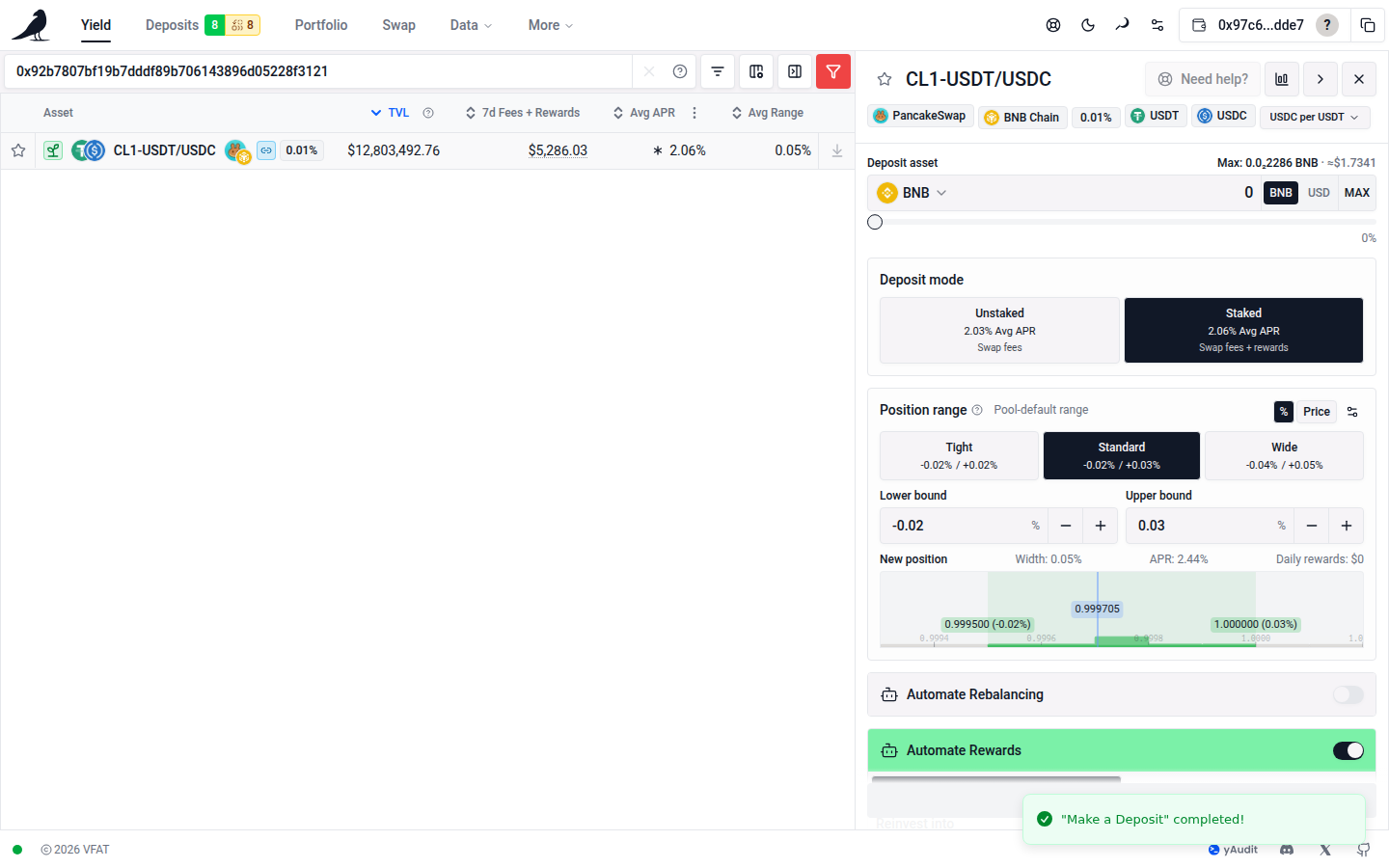
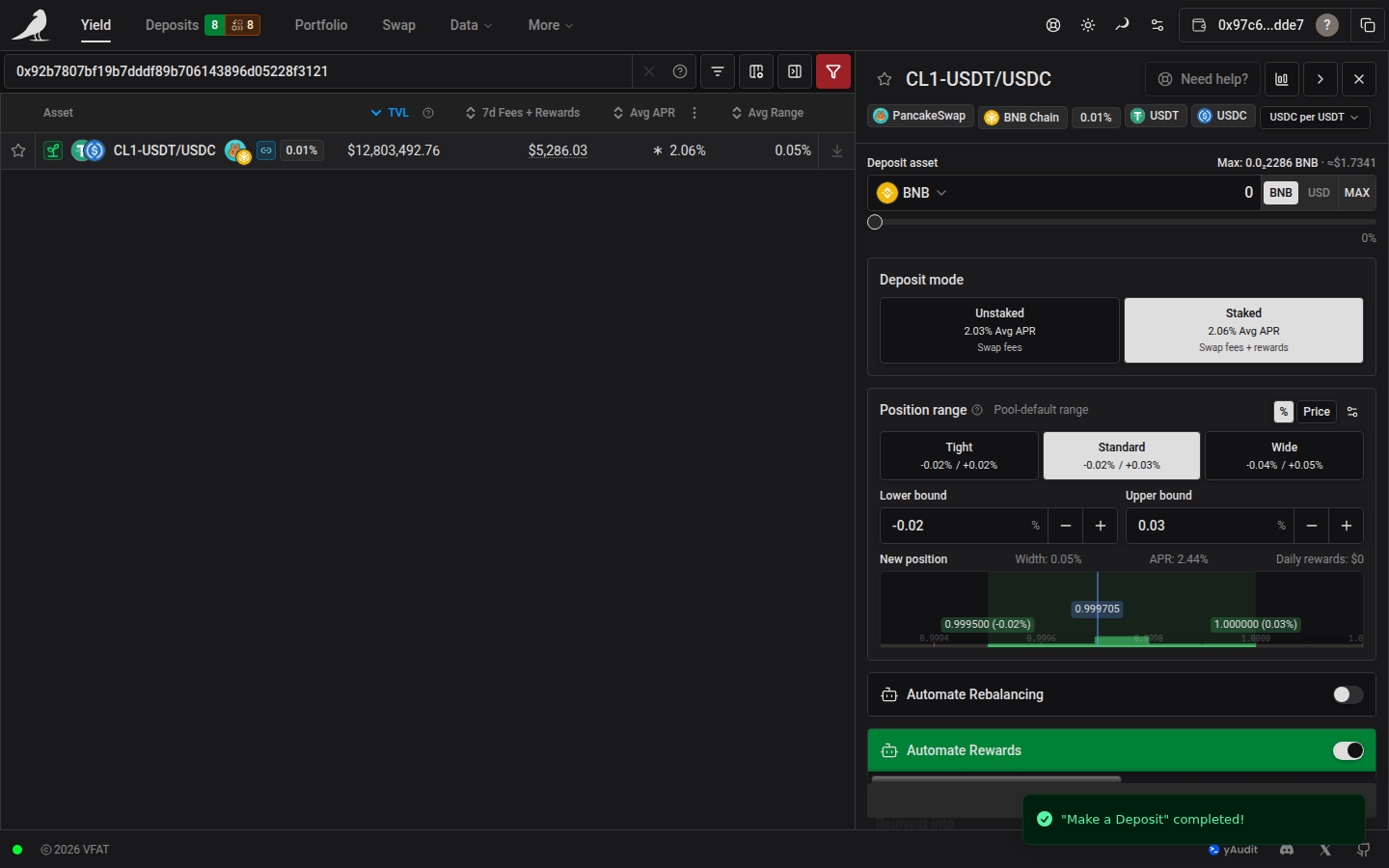
When opening a position, expand Automate Rewards → Auto-Compound and choose Reinvest into. For a standalone position, This position includes normal compound settings in the deposit transaction. Adding liquidity to an LP position that already receives rewards preserves its group and uses the setup steps below. On supported chains, another existing position can receive the new position’s rewards. Destinations already sending elsewhere must first be changed from their own settings; another NFT in the same farm and pool cannot be selected.
For another destination, confirm the deposit and then the separate Auto-Compound setup transactions. The destination includes its own rewards and keeps its other incoming sources and provider assignments. The transaction list tracks each step; the deposit stays confirmed if a later setup step fails. Retry the failed setup step without depositing again. If you close the transaction flow, finish setup from the new position’s Compound → Settings. Rewards routing is active only after setup and the required permissions are complete. This option is available for token, underlying-token, LP and external NFT deposits; moving an existing Sickle position continues to use the move settings.
Open the position whose rewards you want to reinvest, then choose Compound → Settings. Under Reinvest into, choose This position or another eligible position on the same chain. Press Enable Auto-Compound, or Save Auto-Compound when changing an existing setup.
The modal shows how the open position’s rewards are used. When sending rewards to another position, Rewards from lists only the position you opened and Reinvested into names its destination. When the open position receives rewards, Rewards from shows all contributing positions, including its own rewards. This position marks the position whose settings you opened. Previews follow the same rule when you change the destination.
Enabled confirms the saved setup. Unsaved changes, Preview and Will reinvest into identify changes that have not been applied. A disabled position says Auto-Compound is off instead of displaying an active route; selecting another destination shows a preview. Missing approvals appear as Setup incomplete. Choose Save Auto-Compound to complete a missing approval, including after reopening the modal. The saved reward destination is preserved.
Choose This position to reinvest here, or another position to reinvest there. The destination’s rewards are included automatically. Positions already compounding into that destination stay connected, with no separate switches to manage. The Chains view remains available for manual compounding.
The saved destination loads when you reopen a source. To change where one source sends rewards, edit that source’s destination. Changing one source does not remove other sources from either group. If the saved destination is unavailable, the app shows that the rewards are paused and asks you to choose a destination explicitly.
Disable Auto-Compound stops the open position’s reward automation. When the open position is the destination, it also stops the positions compounding into it and clears that setup’s provider assignments. The modal explains how many positions will be affected. The action always applies to the saved setup, even if you have selected a different destination without saving. Positions do not automatically resume their previous automation.
Status and history
Open any participating position’s Compound tab for its compact status and Settings button. The settings modal shows the reward destination. Sources show their own rewards; destinations show the full incoming rewards list. NFT IDs distinguish positions in the same pool.
Configured means the group setup is saved. Missing approvals and unavailable destinations appear separately. A saved configuration does not mean an execution is queued or that rewards have already moved. The compact status shows the latest group result, queue state and scheduled next check. Sources and their destination show the same execution status. Settings shows the full Auto-Compound Status below the participating positions, including timing, the last attempt’s gas cost and reward threshold. This is visible immediately for self-compounding, sources and destinations. Details follow the saved destination until you save a change; the status section names that saved destination while you preview another one.
If execution data is unavailable, the app says Execution status unavailable instead of reporting the group as idle. Loading and settings read failures are shown without calling the setup disabled.
Open the destination’s History tab to see completed runs. Compounded rows show recorded reward source attribution. A destination run may include rewards from several sources and does not imply every source contributed rewards.
Changing an existing setup
Moving an existing source or redirecting a position that already sends elsewhere requires acknowledgment. Redirecting a receiving destination pauses rewards sent to it; those sources keep their saved destinations until you edit them individually. Choosing This position again restores its saved incoming sources to the same compound group.
Separate Auto-Compound and Auto-Harvest are replaced only where currently enabled on the open position and selected destination. Auto-Exit, Auto-Rebalance and NFT Auto-Deposit settings are preserved. Settings are checked again before changes are sent. Setup may require several wallet transactions. Complete every step; if setup is interrupted, confirmed changes are reloaded so you can review the destination and finish. Already-applied settings are skipped on retry. If an NFT’s settings disappear before its disable transaction, the app stops and asks you to refresh your positions. A rebalance may have moved those settings to a replacement NFT; reopen the updated position’s settings to finish disabling.
Availability and execution
A group supports up to 32 funded Sickle LP or NFT positions on one chain, including the destination and its existing sources. NFTs remain available when they are out of range. Empty positions and closed farms cannot be activated as new sources or destinations. Their saved settings remain visible and can be disabled; disabling a destination includes these inactive sources. If another destination is unavailable for the open position or network, the settings explain why. Sources can have zero rewards when selected; the bot waits for rewards to accumulate. Farm rewards and NFT trading fees are included. ERC-6909 positions cannot participate. Another destination requires a supported chain and the current automation contracts.
The fee is 1.8% of rewards. The bot combines rewards and checks transaction costs before running. With prepaid gas enabled, executions charge that balance and must meet its balance, charge limit and minimum interval settings. The interval is managed in Gas Account settings and shared across these setups on the same Sickle and chain. It is a spending limit, not a schedule. Editing destinations preserves these global settings.
Only the destination NFT can participate from its own farm and pool; incompatible NFT destinations are unavailable in the selector. Other source pools may contain multiple NFTs. Each NFT in the same pool can still enable normal per-position compounding independently. Supported rebalances carry settings to the replacement NFT, keeping rewards flowing to the destination farm and pool.
Fully closing the destination pauses incoming rewards without restoring separate automation on its sources. Closing does not clear the saved settings; reopening the same position can make them usable again. Open a source and choose another destination to move that source’s rewards.
Off-chain rewards
Normal compounding automatically includes eligible unassigned provider rewards, such as Merkl. There is no separate provider selection in Auto-Compound settings.
Choosing another position does not add, remove or redirect provider assignments. Existing assignments stay with their saved destination. This also applies when editing a position that already receives rewards from other positions.
A provider’s claims can cover multiple positions in your Sickle on the same chain. Assigned rewards remain with their chosen destination; other automation leaves them for that setup. Disabling that destination’s Auto-Compound clears its provider assignments. Redirecting an individual position preserves them. Manual claims remain available.